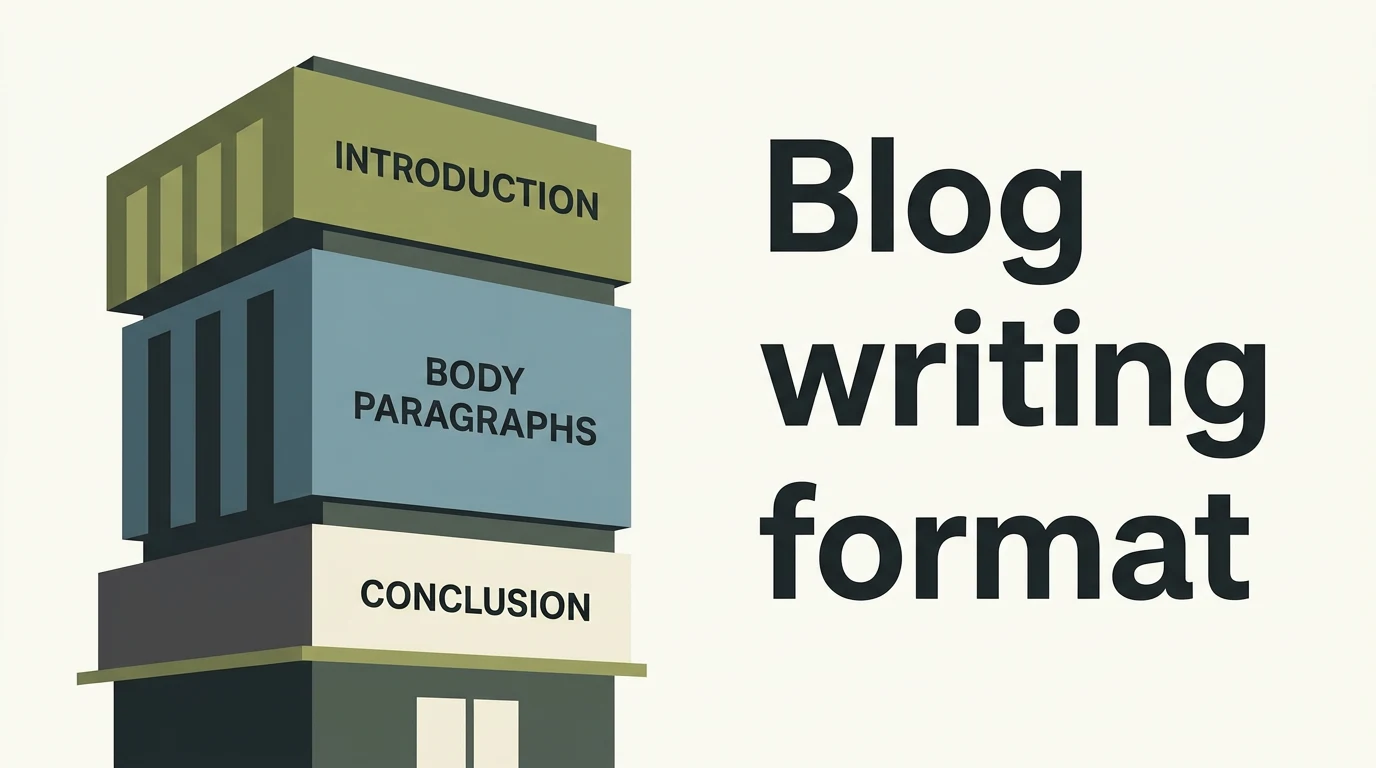
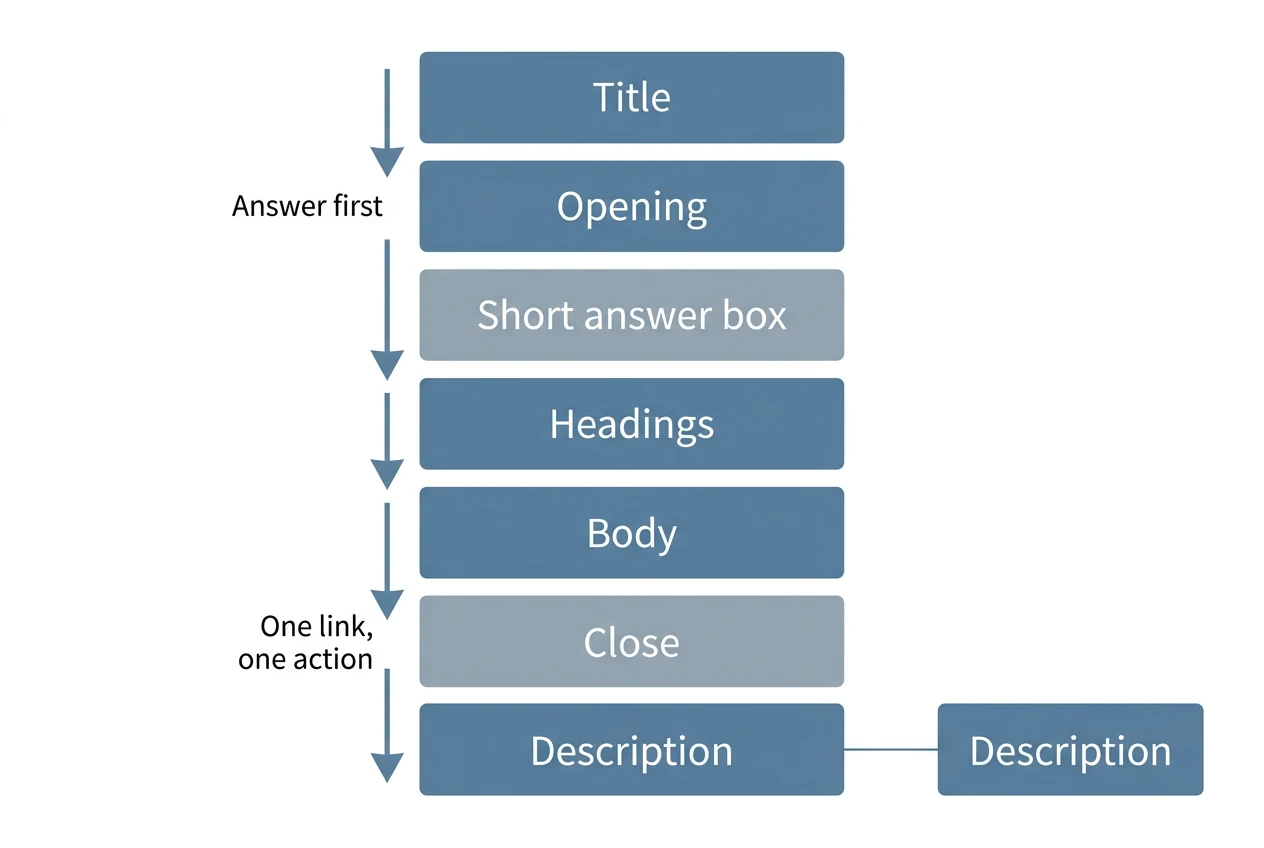
The blog writing format is a short run of parts: a title, an opening that answers the question, headings, a body, a close and a description. Get the order right and a reader finds their answer fast. Below is each part, then a template to copy.
In short: Put the answer in the first two sentences, break the body under headings that each hold one idea, and end on the next step. An exam blog needs a different format: blog name, title, byline and a note to readers.
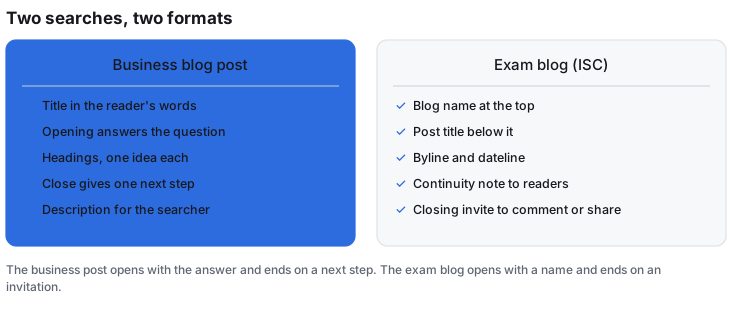
Two people search this phrase. One runs a business blog. The other has a school exam and a mark for "format". The business version comes first because it is the one I write. The exam version has its own section further down.
The blog writing format, part by part
Here is the order I'd use for a post that is meant to be found and read.
| Part | What it does | How long |
|---|---|---|
| Title | Says what the post is about | One line |
| Opening | Answers the question straight away | Two to four sentences |
| Short answer box | Gives the point to a reader who won't scroll | One or two sentences |
| Headings | Split the body into one idea each | As many as the ideas |
| Body | Proof, steps, examples, numbers with sources | Short paragraphs, lists and tables where they fit |
| Close | Says what to do next | A few lines |
| Description | The line a searcher reads before clicking | One or two sentences |
Title. Say what the post covers, in words the reader would use. Google's guidance asks for a title on every page, descriptive and concise, and warns against vague labels and repeated wording (title link guidance). It sets no length limit, but long titles get cut to fit the device.
Opening. The reader came with a question. Answer it in the first sentence or two, then say what the rest of the post adds. Don't open with the history of blogging.
Headings. Each heading should name what its section holds. A reader scanning the page should be able to rebuild the argument from the headings alone. If a heading could sit on any post, rewrite it.
Body. Keep paragraphs short. Use a list when the items run in sequence, and a table when you are comparing things across the same columns. Every figure needs a source you can open. If you can't find one, cut the figure.
Close. End with the next step, not a summary of what they just read. One link, one action.
Writing the description and title
The description is the snippet a searcher reads. Google says snippets are built mainly from the page's own content, but that it may use the meta description "if we think it gives users a more accurate description than would be possible purely from the on-page content" (snippet guidance). So write it as a short summary of the whole page, not a list of keywords. Google says keyword lists don't tell users what the page is about.
It also says each description should be unique, and that there is no set length limit. What shows is trimmed to fit the device. Put the point early so the trim costs you nothing.
The exam version of the blog writing format
If this is for a school paper, the format is a fixed set of parts that earns a mark. I read one ISC guide, which lists the required elements as: blog name, post title, byline and dateline, a continuity note, and reader interaction. It puts the format at 1 mark (Englicist, ISC directed writing).
- Blog name at the top, naming the site, not the post.
- Post title below it.
- Byline and dateline on one line: "Posted by [Name] on [Day, Date Month Year]".
- Continuity note, an opening line that welcomes readers back.
- Reader interaction, a closing invitation to comment or share.
That guide is for ISC, not CBSE. I could not find CBSE's own marking scheme for a blog question, and the tuition sites I saw cover article and report writing, with a title, byline, body and conclusion. Check your board's sample papers before you copy any of this into an answer.
A template to copy
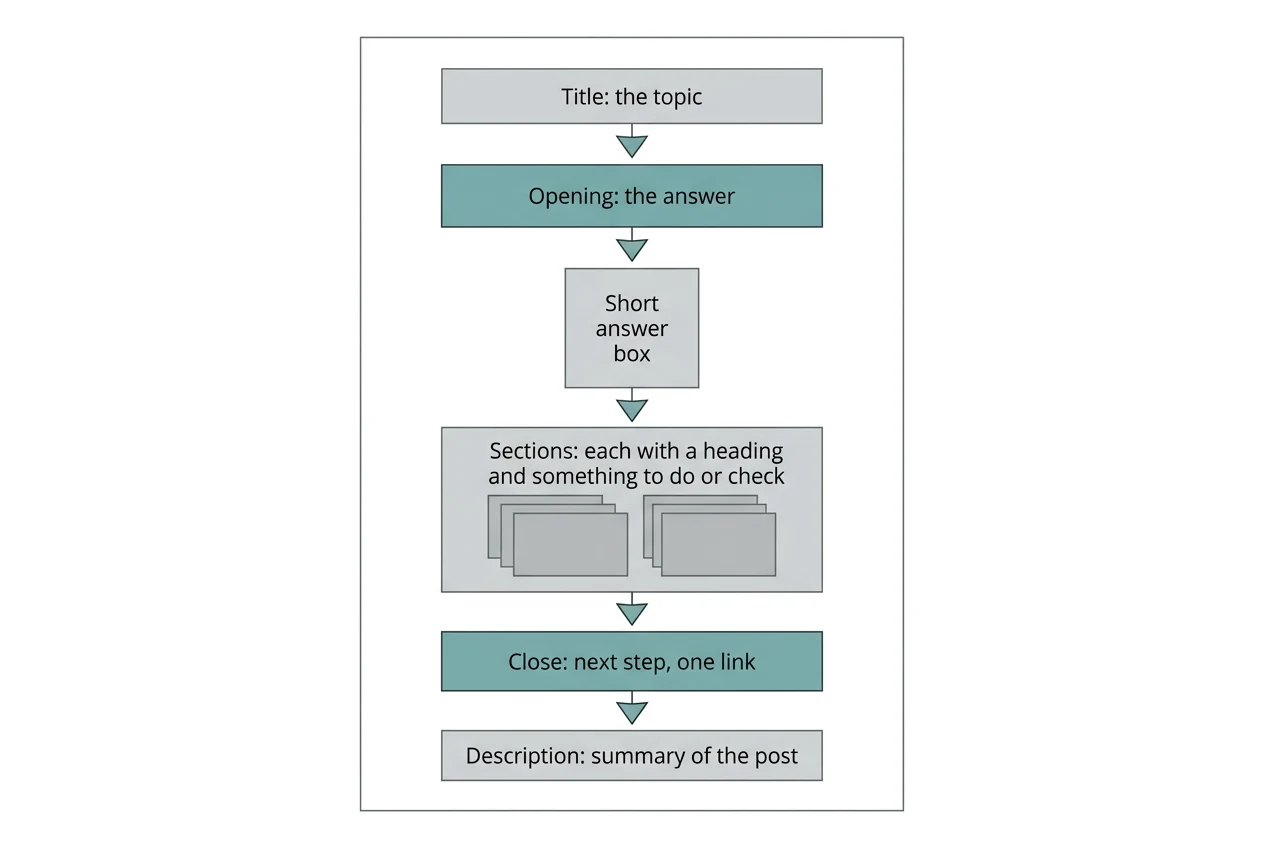
Paste this into a blank file and fill it in.
- Title: the topic, in the reader's words.
- Opening: the answer in one or two sentences, then what the post adds.
- Short answer box: the point, for a reader who stops here.
- Three to six sections: each with a heading that names its idea, and each ending with something the reader can do or check.
- Close: the next step, with one link.
- Description: a summary of the whole post, with the answer in it.
For more on what goes inside a post once the frame is set, see what to put in a blog about SEO and the content writing samples by type.
Where a tool helps and where it doesn't
I write for blogwriter.pro, so I'm on the seller's side here. The app writes the post in this frame from a topic and a keyword, after reading your site for what you sell and how you sound. Posts arrive on your site as drafts, and nothing is published until you do it. It's Mac only.
A tool can fill the frame. It can't tell you what your reader's question is. Settle that first, then check the draft against the table above. If you're weighing paid help, here is what to check before you pay for SEO blog writing services.